
How We Automated the "Impossible": Extracting Locked Data from the Telekom Portal
When APIs aren't an option, workflow automation steps in. Here is how we used Selenium to save a client 15 hours a week by automating their sales reporting.
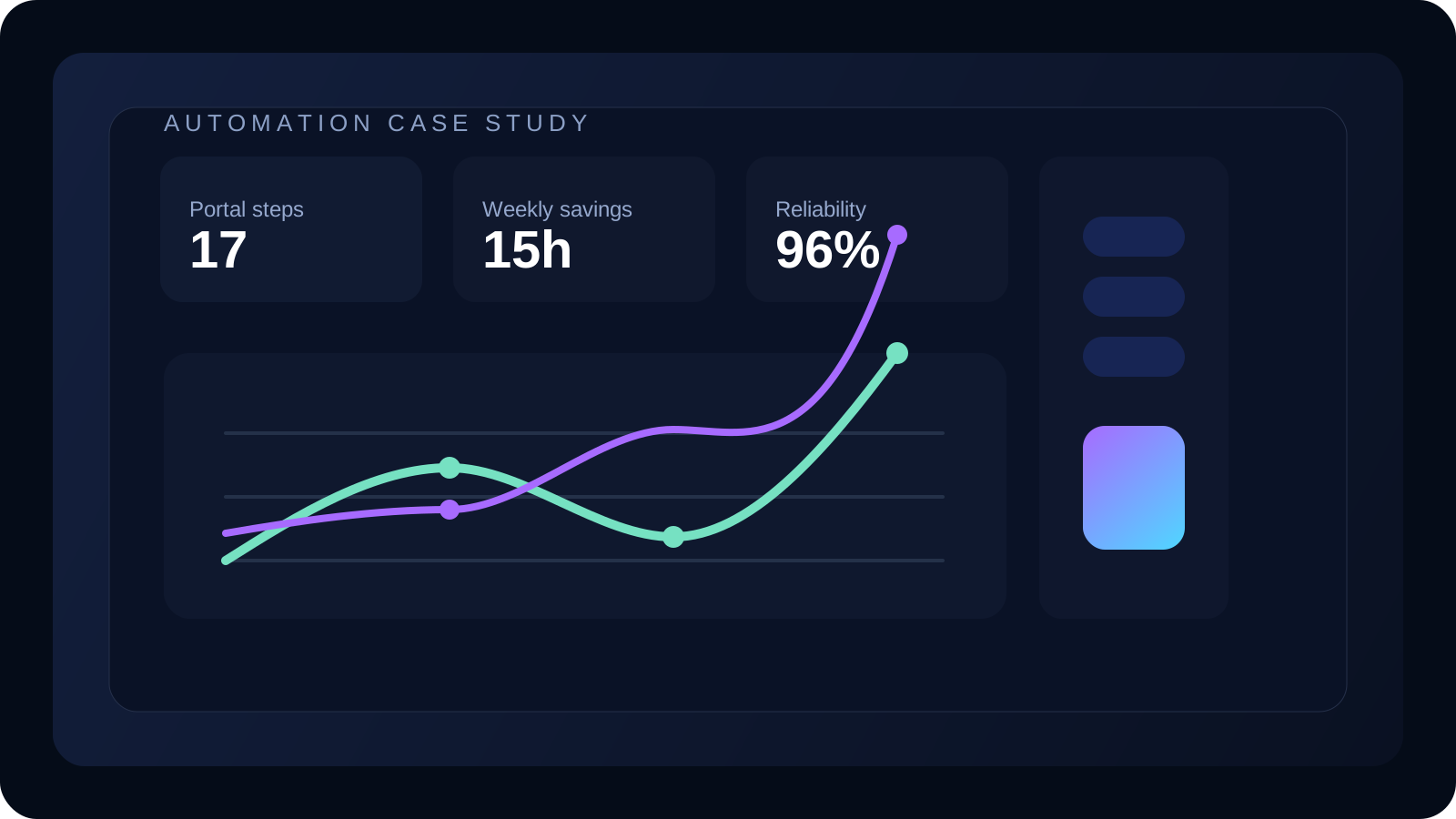
In the world of modern data, we often assume everything has an API. We assume that if we need data from Platform A to go to Platform B, there’s a simple "Connect" button that makes it happen.
But in the real world of enterprise business, that is rarely the case.
Recently, a client came to us with a massive bottleneck. They were a certified partner selling telecommunications contracts, and their entire business relied on sales data hosted on a legacy Telekom portal.
The problem? The portal had no API, no export automation, and no easy way to get data out.
The Problem: The "Copy-Paste" Nightmare
To generate a single weekly sales report, their operations manager had to:
- Log in to the secure portal (2-factor authentication included).
- Navigate through five different nested menus.
- Manually copy-paste rows of data from a paginated table into Excel.
- Repeat this for 20 different regions.
- Clean the formatting mess that happens when you paste web tables into spreadsheets.
It took 15 hours a week. That is nearly two full workdays wasted on "robot work."
Worse, because it was manual, it was error-prone. A missed row or a typo in a contract number meant the sales commission calculations were wrong, leading to angry sales reps and financial disputes.
The Solution: Building a Digital Worker with Selenium
Since we couldn't ask the portal to send us the data, we had to go get it. We built a custom Selenium-based workflow automation.
If you aren't familiar with Selenium, think of it less like a "script" and more like a digital robot. It launches a real web browser (just like Chrome or Firefox) and interacts with the website exactly like a human would—clicking buttons, typing passwords, and reading text—but at lightning speed.
How We Architected the Workflow
We didn't just want a scraper; we wanted a reliable reporting engine. Here is how the automation flow worked:
1. Secure Authentication The bot initiates the login session. We built a secure handler for the credentials so they were never exposed in the code.
2. Intelligent Navigation Instead of blindly guessing URLs, the bot was taught to "read" the dashboard. It could locate the Sales Performance tab regardless of whether the portal layout shifted slightly (a common issue with scrapers).
3. Pagination Handling The biggest challenge was the data tables. They were split across hundreds of pages. A human has to click "Next" 50 times. Our bot simply looped through every page, scraping the data into a structured memory object in seconds.
4. Data Cleaning & Report Generation Once the raw data was extracted, the automation didn't stop. It instantly formatted the messy web data into a clean, pivot-table-ready Excel file and emailed it directly to the CEO.
The Outcome: From 15 Hours to 3 Minutes
The results were immediate and drastic.
- Time Saved: Reduced 15 hours of manual work to a 3-minute background process.
- Accuracy: 100% data integrity. No more typo-based commission errors.
- Morale: The operations manager was freed from the most hated task of her week and could focus on actually analyzing the sales data to improve performance.
The Lesson for Your Business
This project reminded us of a critical lesson in automation: "No API" is not an excuse to stay manual.
Many businesses accept inefficiency because they think their software is too old or too closed-off to be automated. But with tools like Selenium, we can bridge the gap between legacy portals and modern workflows.
If your team is spending hours clicking the same buttons and copying the same cells, you don't have a work problem. You have an automation opportunity.